Co-packers · Packaging buyer’s guide
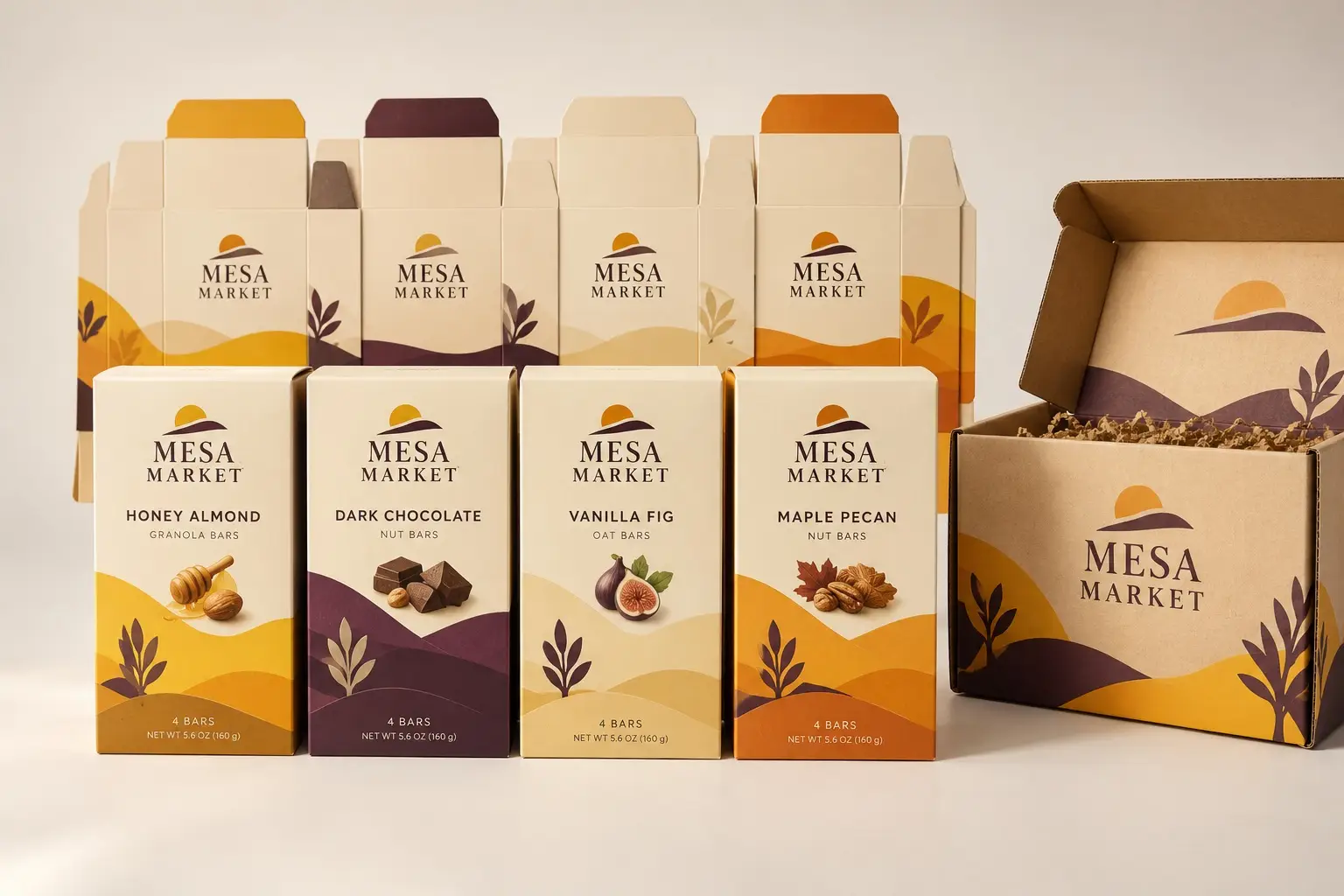
A multi-SKU carton program needs a clear relationship between structure, artwork, and production quantity. Similar-looking cartons can still contain different products or require different handling.
The short answer
Track each SKU against its approved dieline and artwork revision. Shared graphics do not mean the structures or line requirements are identical. Use a matrix to connect the planned production quantities to the correct approved components.
What to review before approving production
Maintain a matrix that connects each SKU to its approved dieline, print file, quantity, and line date. Identify which structures are genuinely shared and which are only visually similar. Review substitutions and new versions before they reach the packing floor.
Build a practical project brief
- SKU-to-dieline and artwork matrix
- Quantity by version
- Packing-line specification
- Change-control and receiving labels
Discuss your next run with Pacer
Send your existing packaging, current artwork or a product sample, and the quantities needed for each design. Include the delivery ZIP code and required date so the discussion reflects the job you actually need. Confirm the proposed materials, available features, minimums, production timing, and any testing with Pacer before ordering.
Related packaging information
Explore Pacer’s packaging services · Related buying information · All resources
