Labels · Packaging buyer’s guide
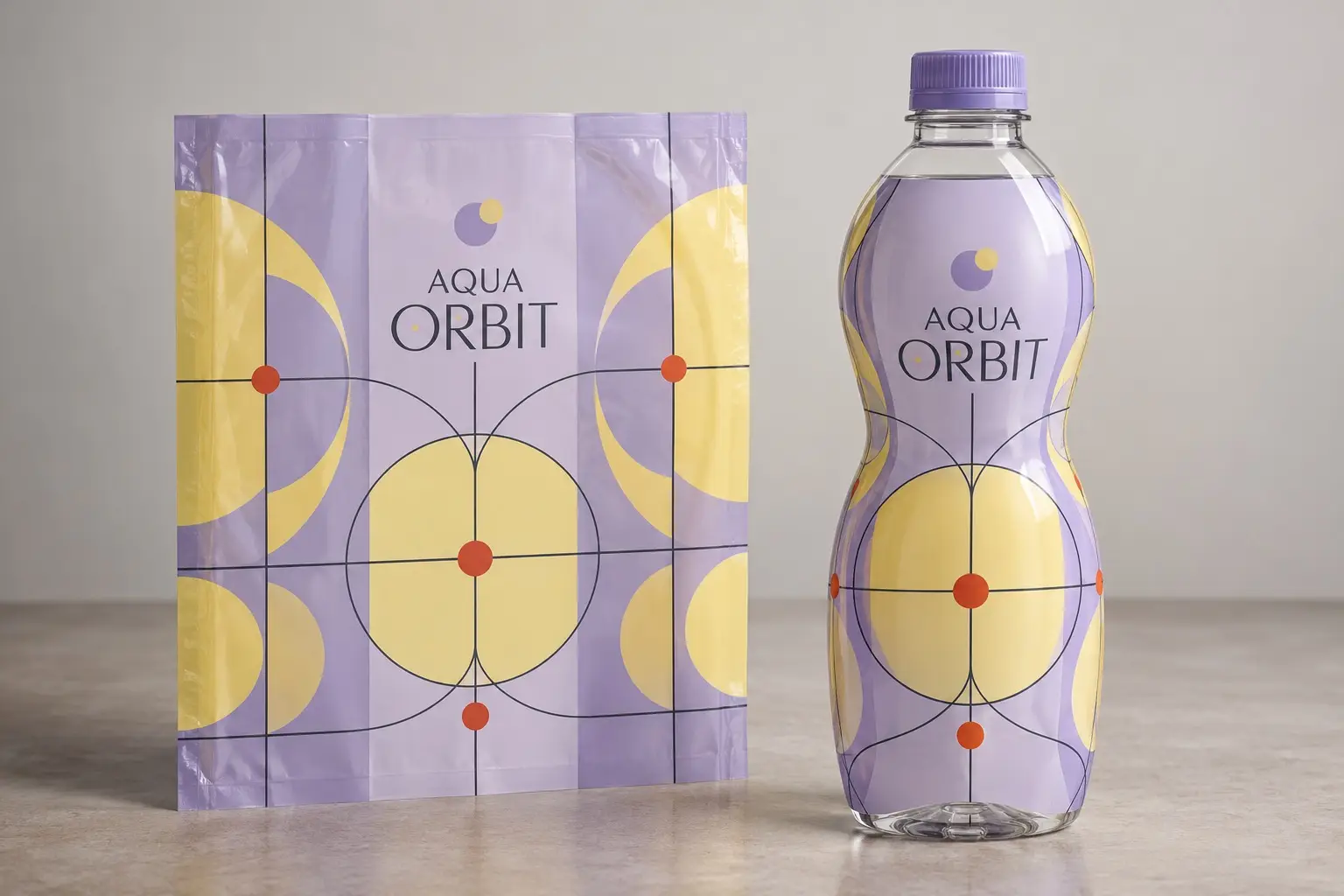
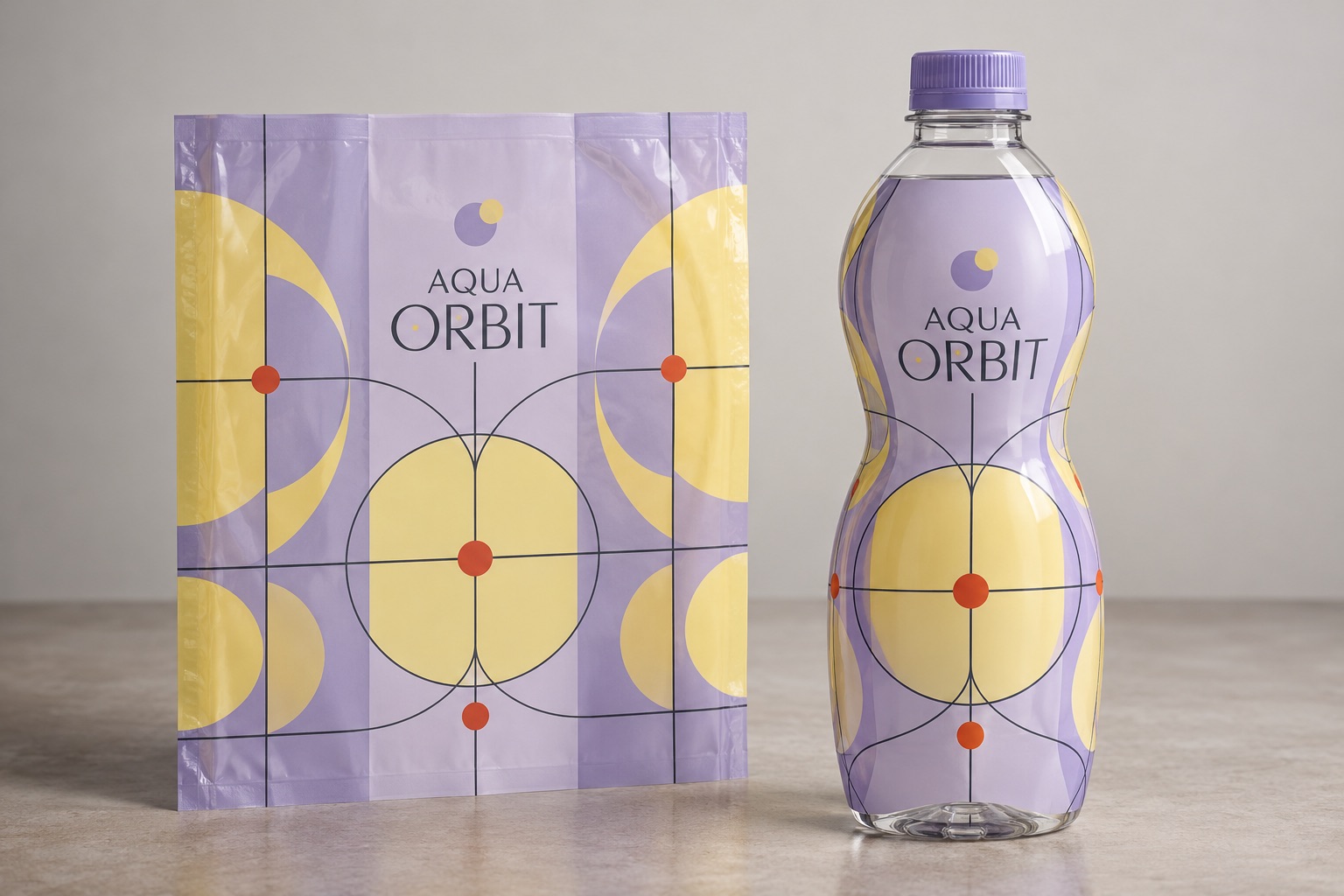
Shrink sleeve artwork has to be planned around the container after shrinking, not only the flat printed file. A design can look balanced on a screen and change noticeably around shoulders, curves, and other transitions.
The short answer
The production template is the starting point for a shrink project. Keep the seam and critical artwork areas identified, and have the sleeve specialist review distortion around curves. The applied sample is the useful reference for the final appearance.
What to review before approving production
Use the approved production template and agree where critical artwork can be placed. Review seam position, opening features, and the space needed for lot information. Evaluate a representative applied sample before approving elements whose shape or readability is important.
Build a practical project brief
- Container drawing and physical sample
- Approved sleeve template and seam position
- Critical logos, small text, and barcode areas
- Sample approval with the sleeve applicator
Discuss your next run with Pacer
Send your existing packaging, current artwork or a product sample, and the quantities needed for each design. Include the delivery ZIP code and required date so the discussion reflects the job you actually need. Confirm the proposed materials, available features, minimums, production timing, and any testing with Pacer before ordering.
Related packaging information
Explore Pacer’s packaging services · Related buying information · All resources
